
Personal VPN Infrastructure
Basic Mode
Build a clean, personal VPN panel in minutes with one Central server and up to 2 fixed-IP Exit locations—engineered for unrestricted connectivity on both Windows and Android without routine Linux terminal work.
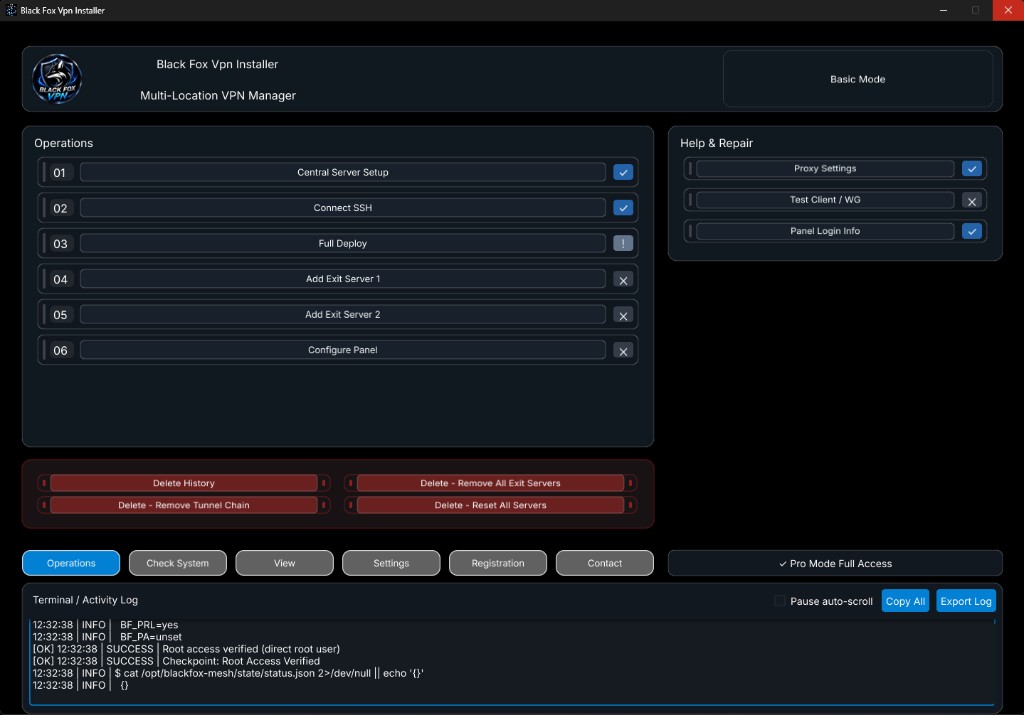
Windows Dashboard
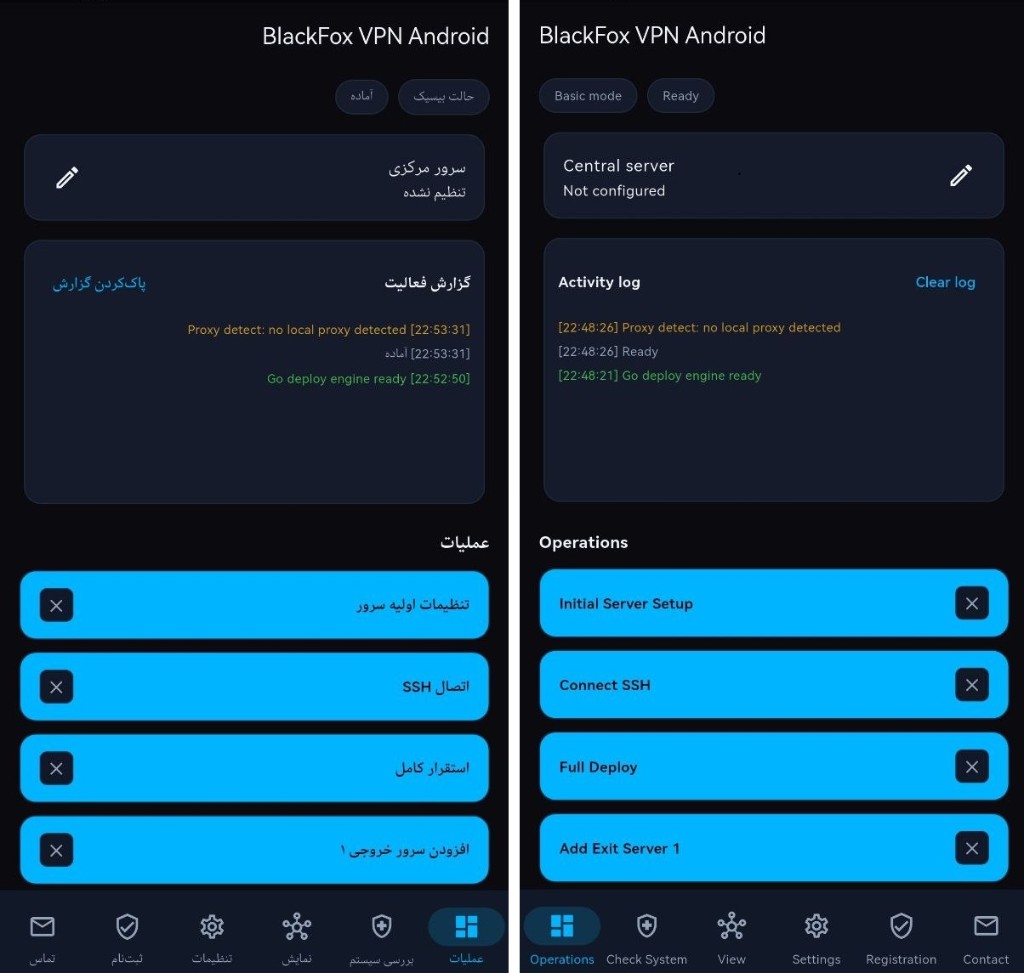
Android Dashboard
Step-by-Step Basic Mode Workflow
Everything needed for a personal multi-location setup from SSH connection to ready client links
- Central Server Setup: Save Server IP, SSH Port, Username, Password, and toggle automated SSH Key Provisioning, Privilege Escalation, or Proxy when needed.
- Connect SSH: Establish and verify live SSH connectivity to your Ubuntu VPS.
- Full Deploy: Automatically provision Ubuntu dependencies, WireGuard, and the 3X-UI (Sanaei) panel from Sanaei GitHub, VPS To VPN Hub, or a Local PC package.
- Exit 1 & Exit 2: Attach up to 2 fixed-IP international Exit servers securely to your Central host.
- Configure Panel: Enable VLESS, Trojan, VMess, Shadowsocks, or WireGuard inbounds, verify links with
Test Client, and copy access credentials viaPanel Login Info.
What Is Included in Basic Mode
- Full parity across Windows desktop and Android (arm64).
- Built-in utilities:
Proxy Settings(Domestic & Foreign profiles),Test Client, and instantPanel Login Info. - Access to
Check Systemdiagnostics,Viewtopology & mode switcher,Settings, andRegistration. - Seamless upgrade path: switch to
Pro Modeanytime in theViewtab without losing stored servers.
Read the Complete Tutorial & Install
Review the illustrated Windows & Android walkthrough and grab the latest installer.