
Android companion for 3X-UI
Black Fox Config Builder
APKPureCreate and manage client configurations on your phone by connecting to an existing 3X-UI panel. It is not a VPN client or a server installer.

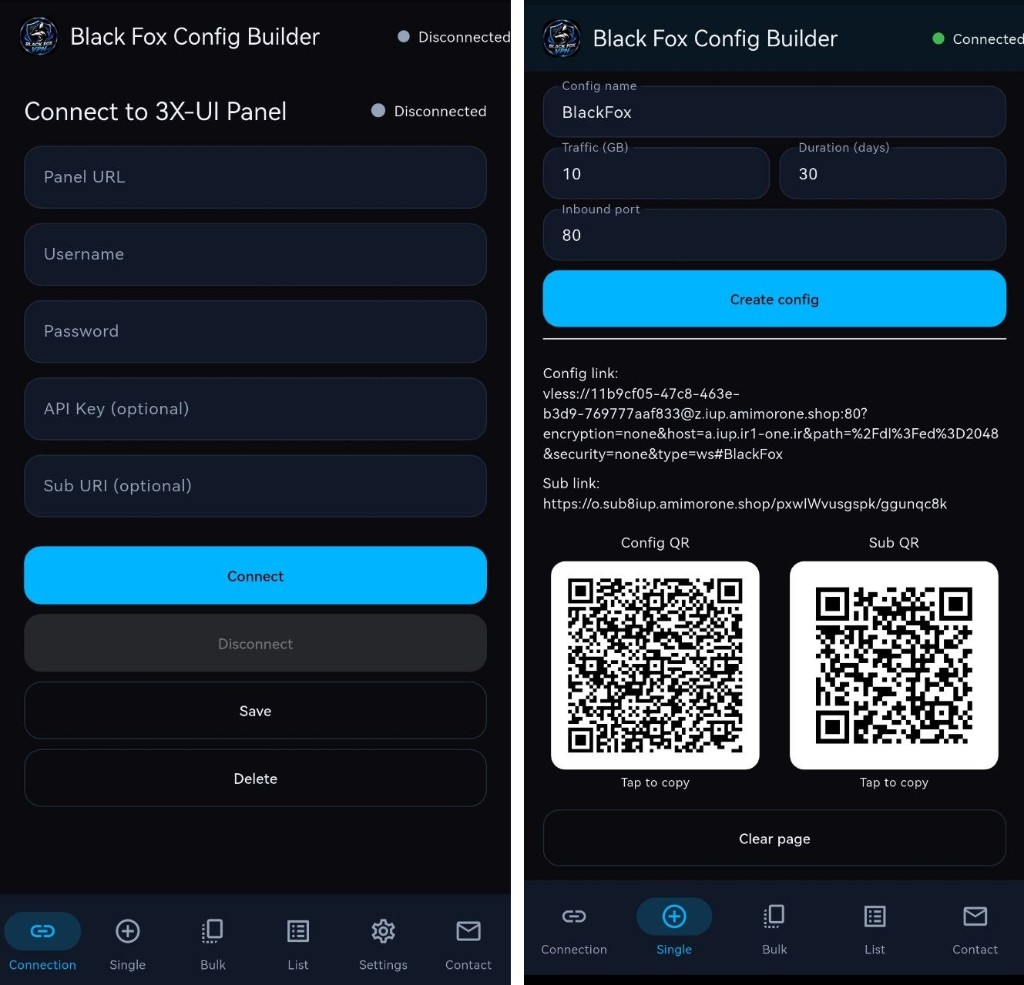
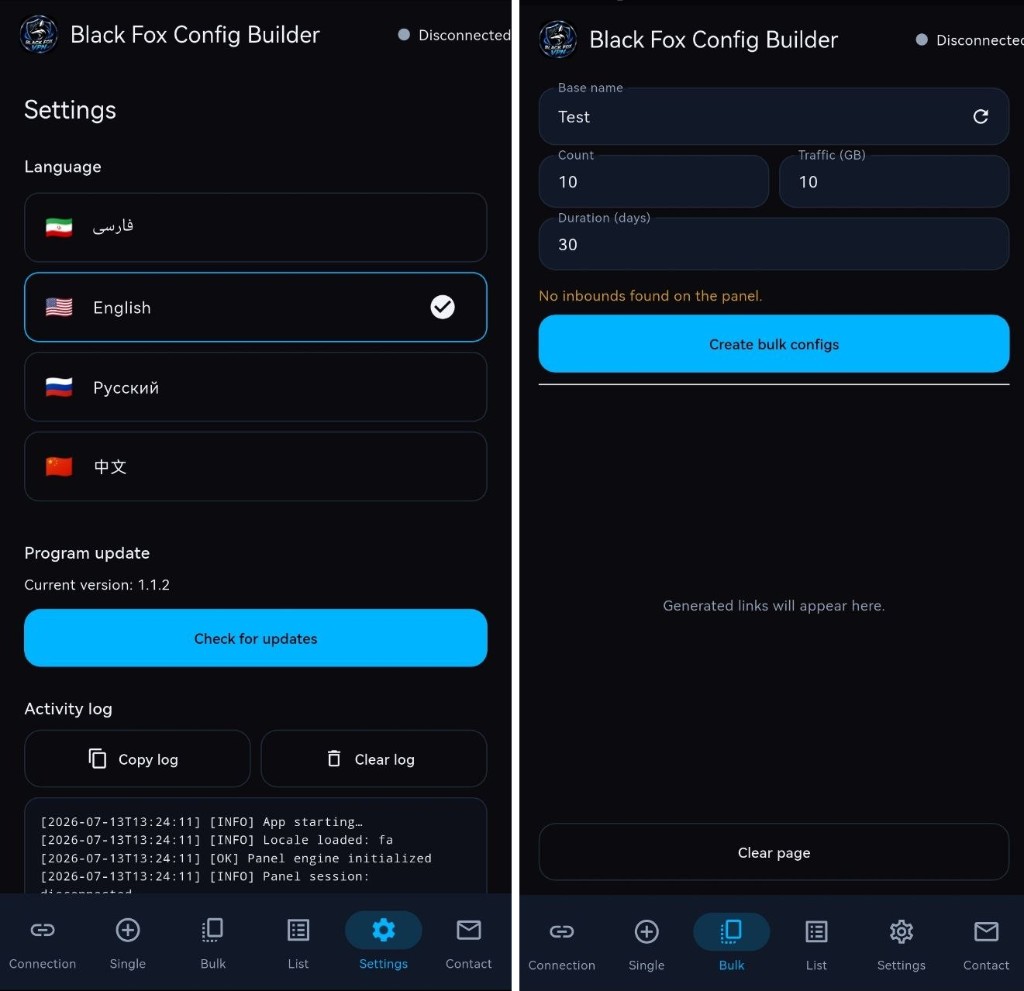
Black Fox Config Builder
3X-UI management from Android
The Flutter interface pairs with a Go/gomobile panel client. Connection, single creation, bulk creation, local list, and settings are separate tasks.
Black Fox Config Builder
Capabilities
- Connect to 3X-UI 3.3.0+ using the panel URL and credentials; API key and subscription URI are optional.
- Create one or many clients with a name, traffic quota, duration, and one or more inbound selections.
- Get VLESS and subscription links with QR codes. The local list separates removing a record from deleting a client on the panel.
Black Fox Config Builder
Create your first config
- Install the arm64 APK on Android 7.0+ and open Connection.
- Connect to your existing 3X-UI panel, version 3.3.0 or newer.
- Choose Single or Bulk, set name, quota, duration and inbounds, then copy a link or scan its QR. In List, distinguish local removal from panel deletion.
Why the panel stays in charge
The app focuses on the work after a panel already exists: creating and sharing client configurations from a phone. Single and bulk flows keep one-off setup simple while making batch provisioning controllable; the panel remains the source of truth for remote clients.
Requirements
- Android 7.0+ (API 24+) on arm64-v8a.
- An existing 3X-UI 3.3.0+ panel and its credentials; free and MIT licensed.
Download Android version on APKPure
In addition to direct download, the official Android release of Black Fox Config Builder is also published on APKPure, so you can download the app from this site as well.
Public source and notes
The repository contains Android source (Flutter UI and Go/gomobile panel client), user guides, and an arm64 APK. README lists v1.1.4 Build 9.